
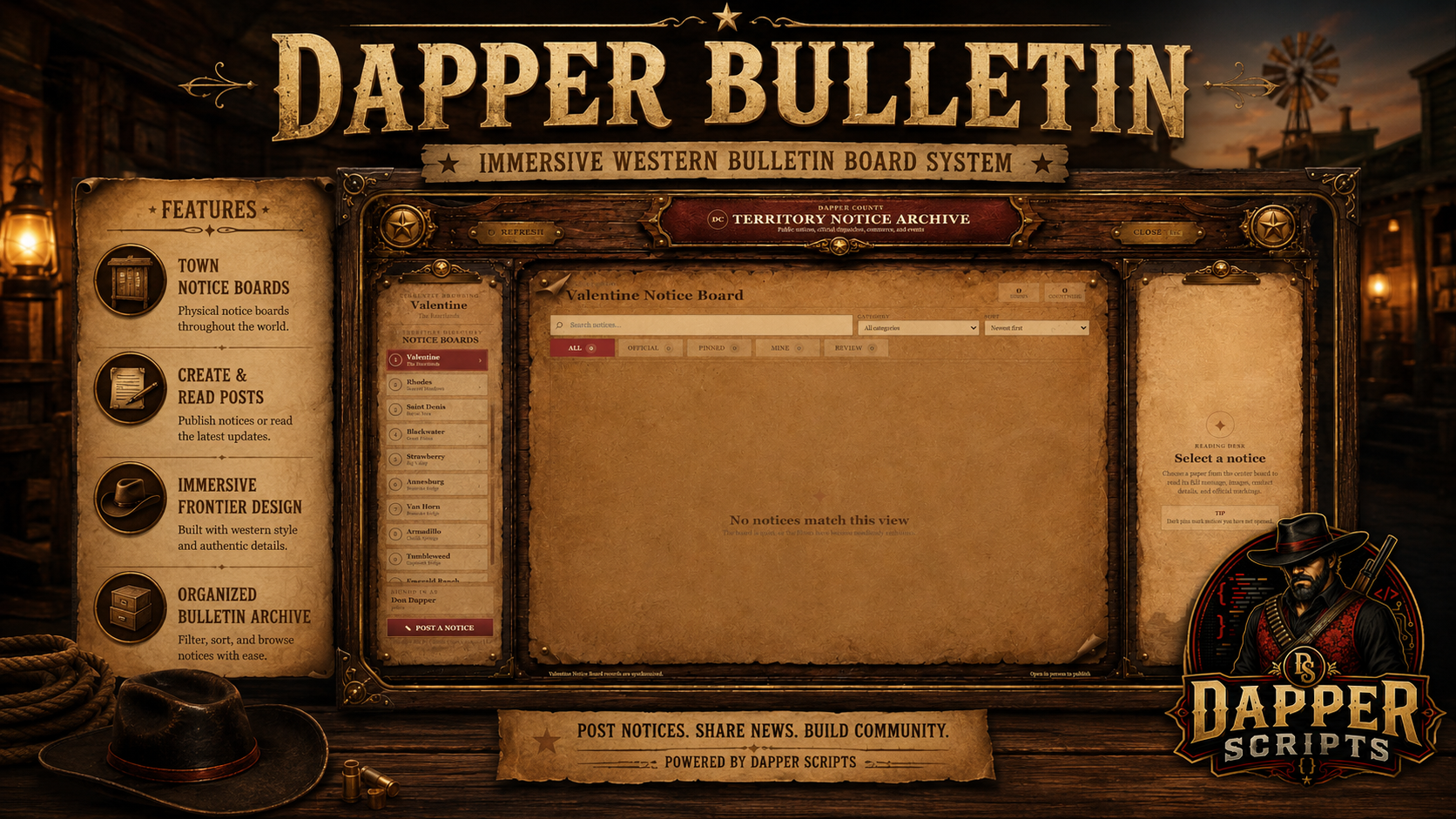
Dapper Bulletin
A complete and immersive RedM notice-board system featuring physical town boards, image posts, custom notice formats, tear-off contact slips, takeable paper copies, moderation tools, automatic expiration, Discord logging, and extensive server customization.
A bulletin board designed to feel like part of the world
Dapper Bulletin replaces generic floating menus with physical notice boards placed throughout the map. Players can browse announcements, advertisements, events, wanted notices, community posts, and official dispatches through a completely custom western interface.
Official Showcase

What Is Dapper Bulletin?
Dapper Bulletin is a database-backed public notice system built for immersive RedM communities.
Staff, law enforcement, business owners, approved jobs, and ordinary players can publish information based on your server configuration. Every notice is displayed through a responsive custom NUI and can include text, images, contact information, locations, events, expiration dates, and take-away papers.
Physical Notice Boards
Players interact with physical bounty-board props placed across the map rather than opening a disconnected global menu.
- Valentine
- Rhodes
- Saint Denis
- Blackwater
- Strawberry
- Annesburg
- Van Horn
- Armadillo
- Tumbleweed
- Emerald Ranch
- Configurable custom locations
- Full X, Y, Z rotation support
- Configurable board models
- Map and minimap blips
- Individual board labels and settings
Notice Creation & Live Preview
Authorized players can prepare their notice through a custom posting interface while viewing the finished paper update live.
- Custom headline
- Long-form notice message
- Up to three image attachments
- Contact information
- Location information
- Event date and time
- Configurable expiration
- Local-board posting
- Countywide distribution
- Live parchment preview
- Create and edit support
- Responsive editor layout
Unique Notice Formats
Notice formats change the typography, spacing, rules, alignment, and overall presentation without replacing the supplied parchment artwork.
- Balanced Broadside
- Formal Dispatch
- Structured Report
- Merchant Advertisement
- Event Handbill
- Urgent Poster
- Public Note
- Memorial Tribute
- Configurable category defaults
Full Notice Viewing
Selecting a notice opens a complete parchment reader designed around the actual posted content.
- Full-sized parchment presentation
- Complete notice text
- Uncropped image viewing
- Category and official markings
- Author and job information
- Contact and location details
- Publication and expiration information
- View tracking
- Safe back, close, and Escape controls
Tear-Off Contact Slips & Paper Copies
Authors can optionally attach limited take-away papers to their notice.
- Tear-off contact slips
- Complete notice copies
- Configurable paper quantities
- Visible remaining stock
- One copy per character per notice
- Server-side inventory validation
- Custom torn-paper inventory viewer
- Saved notice information and images
- Copies remain readable after the public notice expires
- Included VORP Inventory item image
Moderation & Notice Management
- Optional approval workflow
- Pending-review queue
- Approve notices
- Return notices for revision
- Edit notices
- Archive notices
- Permanently delete notices
- Pin and unpin important posts
- Lock and unlock editing
- Staff can manage every notice
- Authors can manage their own notices
- Server-side ownership verification
- Moderation audit history
Configurable Permissions
Posting and moderation access can be configured around the structure of your server.
- VORP jobs
- Minimum job grades
- Moderator jobs
- VORP staff groups
- ACE permissions
- Multijob support
- Optional public posting
- Business-owner permission hooks
- Per-board permission overrides
- Countywide-posting restrictions
Automatic Expiration & Cleanup
Notices can expire and remove themselves automatically, preventing boards from filling with outdated information.
- Configurable default expiration
- Custom expiration options
- Automatic cleanup intervals
- Cleanup when the resource starts
- Optional permanent purge of old archived records
- Pending notices begin expiration after approval
- Optional no-expiration permission for staff
- Optional pinned-post expiration protection
Discord Logging
New bulletin posts can automatically appear in a Discord channel selected by the server owner.
- Configurable Discord webhook
- Notice headline and message
- Author and job information
- Board and scope information
- Contact and location details
- Expiration information
- Take-away paper stock
- Uploaded notice images
- Optional moderation logging
- Optional take-away logging
- Optional expiration-cleanup logging
- Optional Discord role mention
Responsive Resolution Support
The complete interface scales proportionally while preserving the placement of the supplied artwork and controls.
- 1920×1080
- 2560×1440
- 1366×768
- Additional popular desktop resolutions
- Responsive board interface
- Responsive posting editor
- Responsive full-notice reader
- Responsive torn-slip viewer
Customization & Branding
- County name
- Main interface title
- Subtitle
- Seal letters
- Accent colors
- Authorized jobs and grades
- Moderator jobs and groups
- Notice categories
- Notice formats
- Board models
- Board locations and rotations
- Map blips
- Posting limits
- Image-host restrictions
- Take-away paper quantities
- Expiration settings
- Discord logging
- Editable NUI artwork and CSS
Server-Side Security
- Physical distance validation
- Session-token validation
- Job and grade validation
- Owner and moderator validation
- Posting and request cooldowns
- Content-length validation
- Image-host validation
- Private-network URL protection
- Inventory-capacity checks
- Atomic take-away stock updates
- Database-backed audit history
Requirements
- RedM
- VORP Core
- VORP Inventory
- oxmysql
- Current RedM server artifact
Installation
- Place the resource in your server resources and keep the folder name dapper_bulletin.
- Import the single included SQL installer.
- Copy the included notice-copy item image into the VORP Inventory item-image folder.
- Configure branding, jobs, permissions, boards, categories, expiration, and Discord settings.
- Ensure dependencies start before Dapper Bulletin.
ensure oxmysql ensure vorp_core ensure vorp_inventory ensure dapper_bulletin What Is Included
- Dapper Bulletin RedM resource
- Custom bulletin-board NUI
- Custom post-creation NUI
- Custom full-notice viewer
- Custom tear-off slip viewer
- Ten configured town-board locations
- Map and minimap blips
- Image-posting support
- Eight notice formats
- Tear-off contact slips
- Complete takeable copies
- VORP Inventory item image
- Approval and moderation tools
- Automatic expiration and cleanup
- Discord logging with image attachments
- Single SQL installation file
- Editable configuration and visual files
- Complete setup and customization documentation
- CFX Asset Escrow-ready structure
- Support and future purchased-version updates
Code Access & Asset Escrow
Core client and server logic is protected through Cfx.re Asset Escrow.
The following remain accessible for installation, integration, and customization:
- Shared configuration
- Server configuration
- Jobs and permission settings
- Board locations and rotations
- Categories and notice formats
- Expiration settings
- Discord configuration
- NUI HTML and CSS
- Interface artwork
- Inventory item image
- SQL installer
- Documentation
Support
For installation assistance, configuration questions, updates, and bug reports, join the Dapper Scripts Discord.
Dapper Bulletin turns static notice boards into an interactive public information system built for towns, businesses, law enforcement, staff, and the wider community.
Subscription-based: No • Framework: VORP • Support: Included • Asset Escrow Ready