

Dapper Books
An immersive RedM/VORP book writing, styling, publishing, and reading system that turns player-created stories into permanent inventory items.
Showcase Video
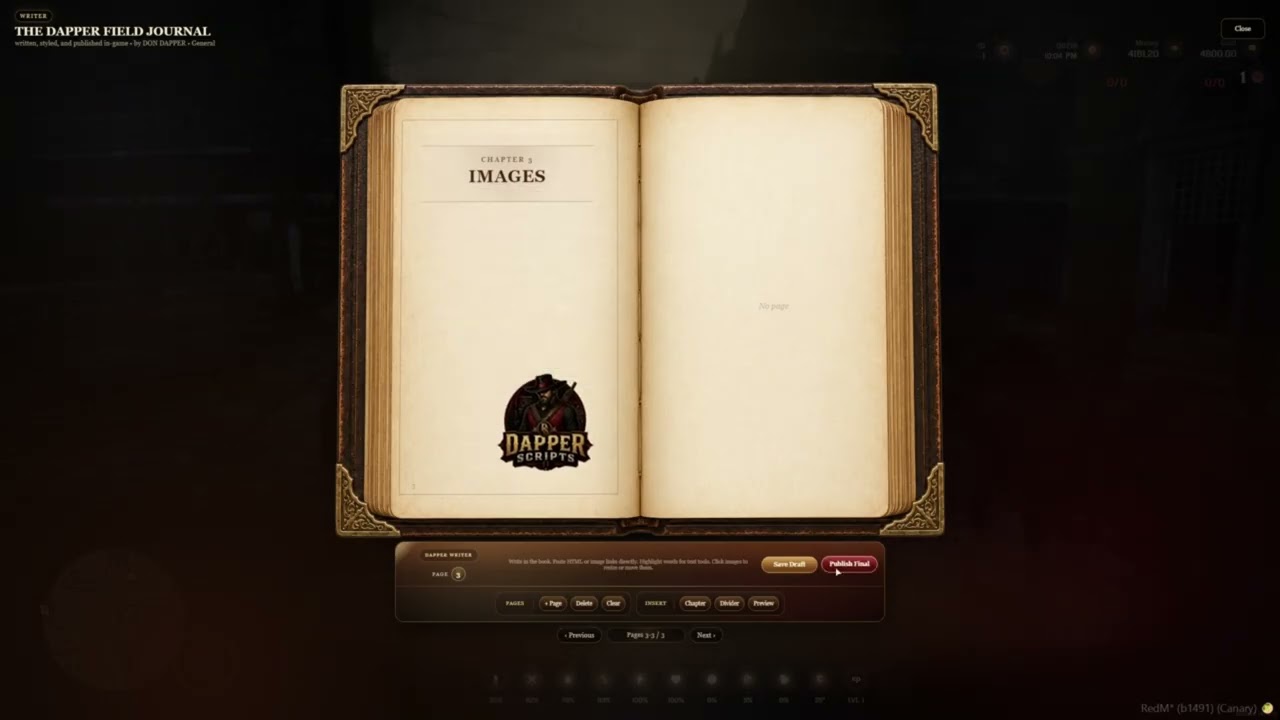
Watch Dapper Books being used in-game, from writing the front cover to publishing and reopening the completed book.
Product Images
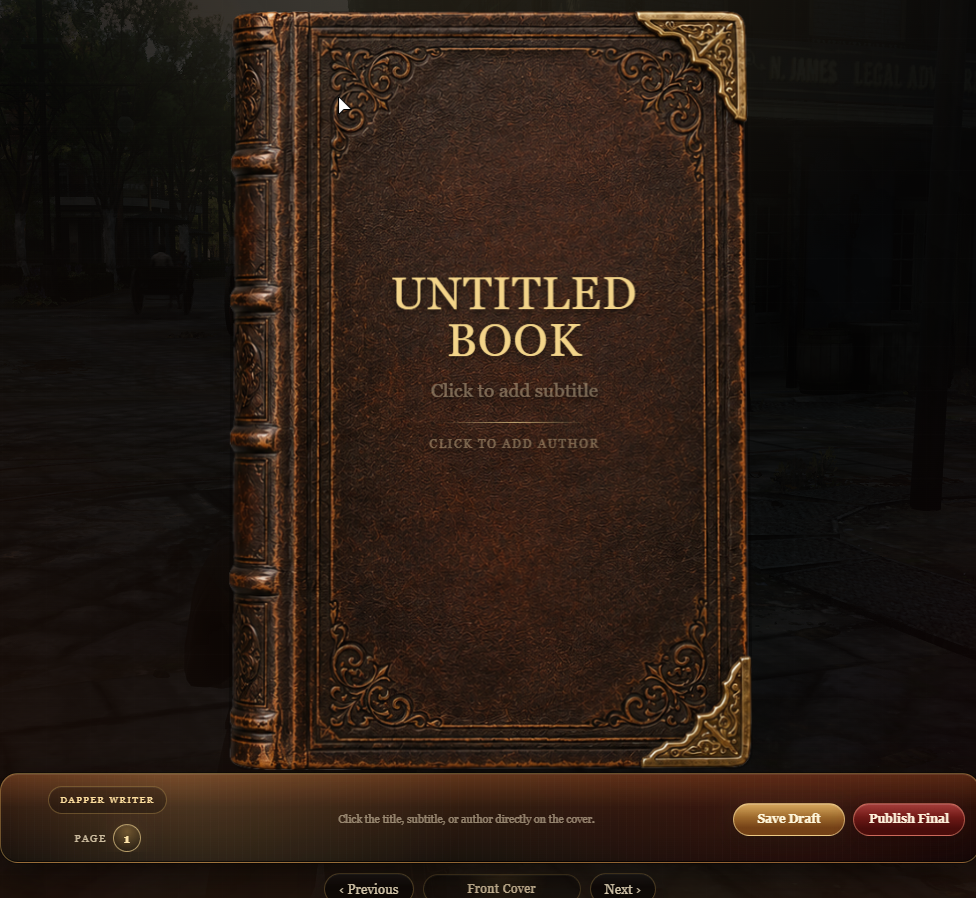
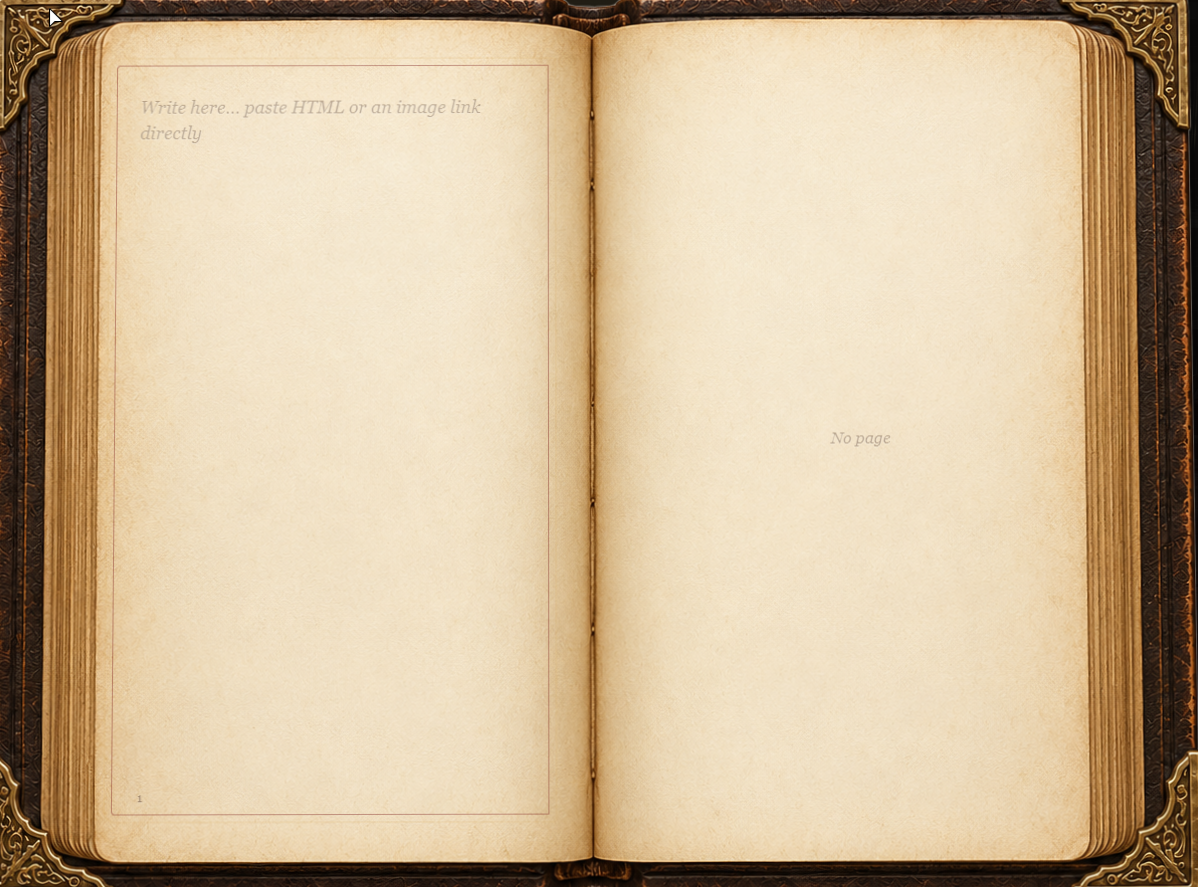
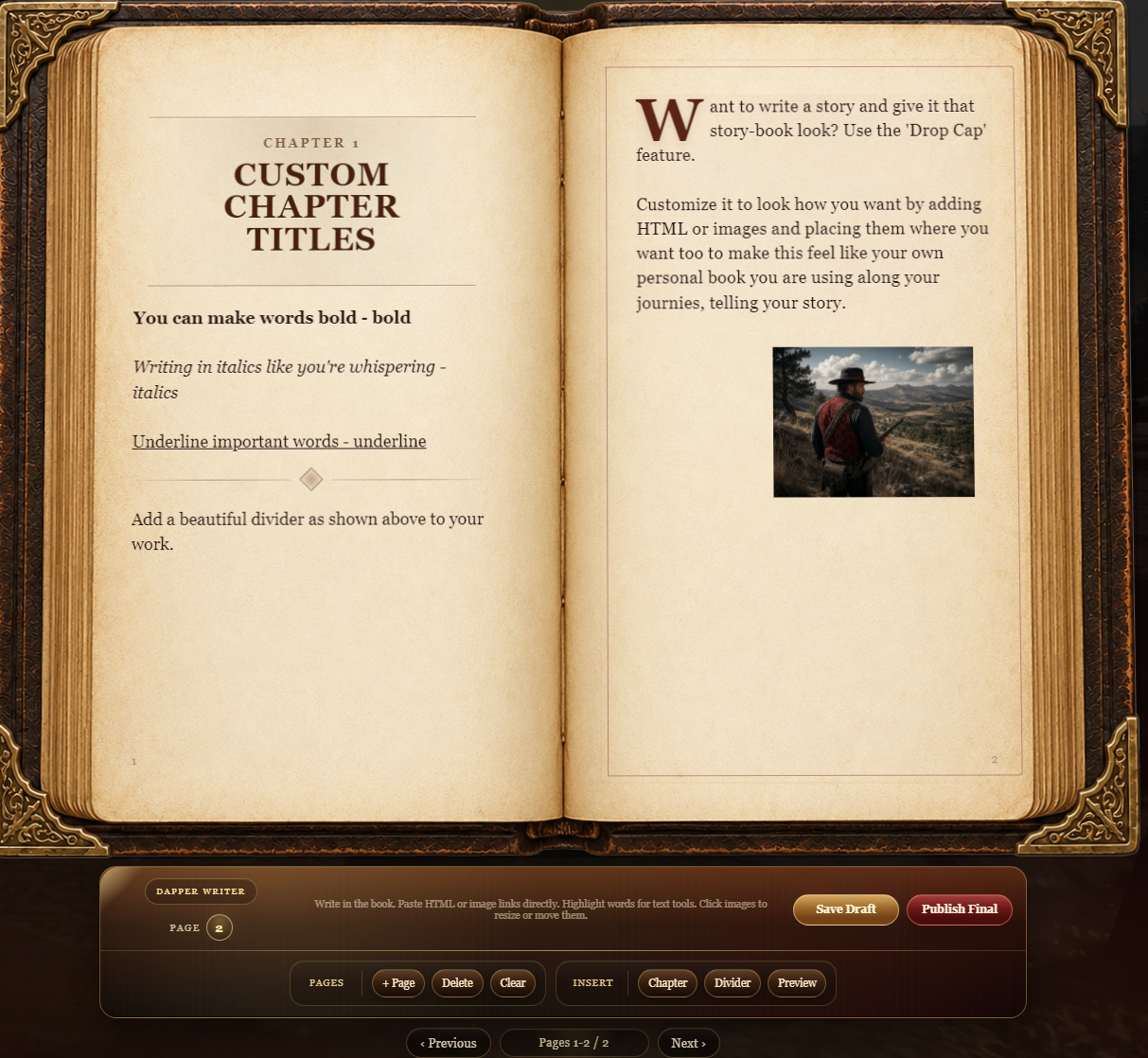
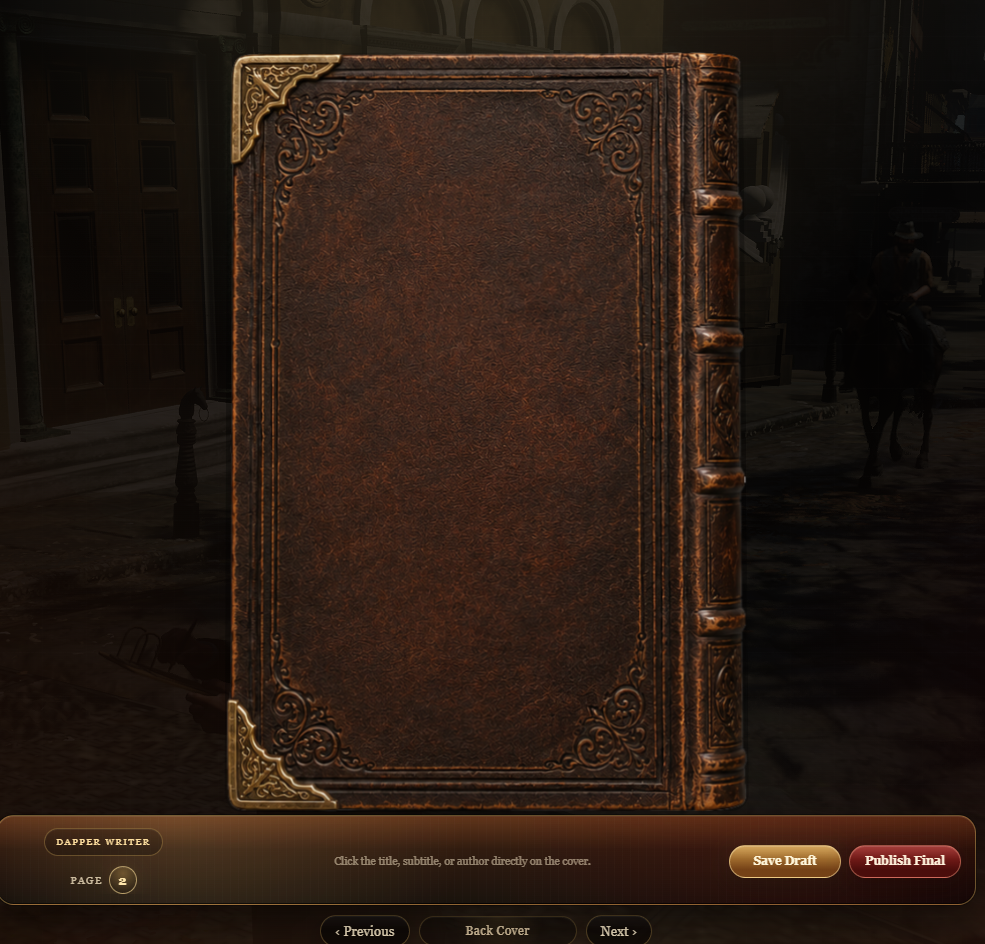
Preview the immersive front cover, writing tools, image controls, page layout, and finalized reading experience.
What Dapper Books Does
Dapper Books allows players to create detailed books directly inside RedM. Players can design the front cover, write multiple pages, add chapters, format text, insert images, save drafts, and publish a completed copy.
Draft books remain editable. When a player publishes the final version, the writable book is consumed and replaced with a separate finalized inventory item that opens in read-only mode.
Published books can be sold in stores, traded, gifted, collected, stored, or used as permanent roleplay items throughout the server.
Write It. Style It. Publish It.
Create immersive journals, novels, catalogs, case files, travel logs, family records, religious texts, server lore, and collectible books.
Features
- Immersive front cover, open-book, and back-cover presentation
- Custom book title, subtitle, and author
- Realistic animated page flipping
- Multiple writable pages
- Custom chapter blocks and chapter titles
- Decorative page dividers
- Bold, italic, underline, quotes, drop caps, fonts, and alignment
- Interactive text formatting toolbar
- Paste direct image links into book pages
- Resize images with multiple size options
- Align images left, center, or right
- Freely move images around the page
- Image positions remain saved after publishing
- HTML content support inside pages
- Automatic page fitting and content handling
- Save editable draft books
- Publish permanent read-only books
- Separate writable and published inventory items
- Custom title, subtitle, author, and page-count inventory metadata
- Custom draft and published inventory images
- Database-backed book storage
- Immersive writing scenario while editing
- Server exports for integration with other resources
- Configurable limits, item names, commands, branding, and behavior
Example Roleplay Uses
- Personal journals and character diaries
- Novels, short stories, and serialized fiction
- Travel journals with placed images
- Business catalogs and product books
- Sheriff case files and evidence records
- Medical records and doctor journals
- Gang ledgers, coded messages, and secret records
- Religious texts, sermons, and hymn books
- Server history, lore, and collectible books
- Recipe books, farming guides, and field notes
- School books, training manuals, and handbooks
- Books sold through player-owned stores
Draft and Publishing System
Players can save their progress and reopen the book later to continue editing, formatting, adding pages, or placing images.
Publishing consumes the writable book and creates a separate finalized item. Published books cannot be edited or republished and can safely be sold, traded, gifted, or collected.
Requirements
- RedM
- VORP Core
- VORP Inventory
- oxmysql
What Is Included
- Dapper Books RedM resource
- SQL installation file
- Editable configuration file
- Installation and customization guide
- Draft book inventory image
- Published book inventory image
- Integration exports and event documentation
- Future updates for the purchased version
Configuration
Server owners can configure item names, writing scenario behavior, page and text limits, commands, publishing requirements, inventory images, database settings, notifications, and integration options.
The included README provides clear setup instructions without requiring buyers to decipher an ancient railroad contract.
Code Access and Escrow
Core Lua logic is protected through Cfx.re Asset Escrow. Configuration, SQL installation, inventory images, and documentation remain accessible for server setup and customization.
Server-Side Safety
Book saving, publishing validation, inventory replacement, finalized-book protection, metadata creation, and database handling are validated server-side.
Support
For setup help, updates, bug reports, and questions, join the Dapper Scripts Discord.
Join the Dapper Scripts Discord
Dapper Books
Give your players a beautiful way to write stories, preserve memories, publish finished work, and create books that become permanent parts of your RedM world.